Upload a character image
Start with the photo that should define the generated character.
The page could not load. Please refresh to try again.
This is taking longer than expected. You can keep waiting or refresh the page.
Two steps to your first video. Details are optional, and generation starts when everything is ready.
Upload your own video or choose a preset reference.
Use a clear portrait for the best AI output.
Example
Front or slight angle works best.
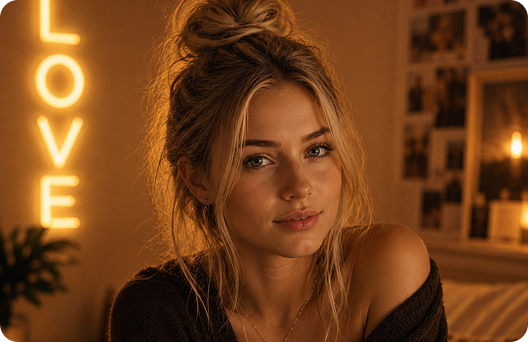
Background, outfit, or custom prompt.
Chatr turns a character image into a creator-style clip by pairing the image with a clear action reference.
Start with the photo that should define the generated character.
Use a preset or upload a reference clip to guide the character action.
Add optional prompt details and submit the video request.
Create short character clips from a still image for chat, posts, or experiments.
Motion comes from a clip, not only a text prompt.
The uploaded image anchors the visual identity.
Guide setting, outfit, framing, and scene details before submitting the clip.
Start quickly with presets or bring your own reference clip.
No manual timeline editing is required.
Good face visibility and lighting make the result easier to control.
A clear motion cue generally produces a cleaner video.
Short, specific prompts are easier to follow than long mixed instructions.
It creates short character clips by combining an uploaded character image with a selected action reference.
Yes. Chatr includes motion presets so creators can start without recording a reference first.
Yes. Add concise creator notes for framing, setting, outfit, and mood before generation.
Use a brief clip with one obvious movement, a visible subject, and minimal visual clutter.
Yes. The page handles upload, motion selection, prompt details, and generation.